Lessons where every student answers
Check understanding during the lesson instead of at the exam. Students answer from their phones or laptops, and their names can stay off the screen.
No credit card required
What changes when the room can answer
Without Slidice
The same few students answer
Most of the class stays silent while the confident students speak.
With Slidice
Everyone answers at once
Polls, word clouds and open questions collect an answer from every student, and names can stay off the screen.
Without Slidice
Gaps show up at the exam
By then the lesson is weeks behind you.
With Slidice
Check during the lesson
A quick question after each idea tells you whether to move on or explain it again.
Without Slidice
Activities take time to prepare
Interactive material for every class comes on top of marking and admin.
With Slidice
Let AI draft the activities
Describe the lesson and AI drafts slides with suitable question types.
How a session runs
Example slides from a typical session. Each one is a slide type you can add to your own deck.
-
Start
Find out what they know
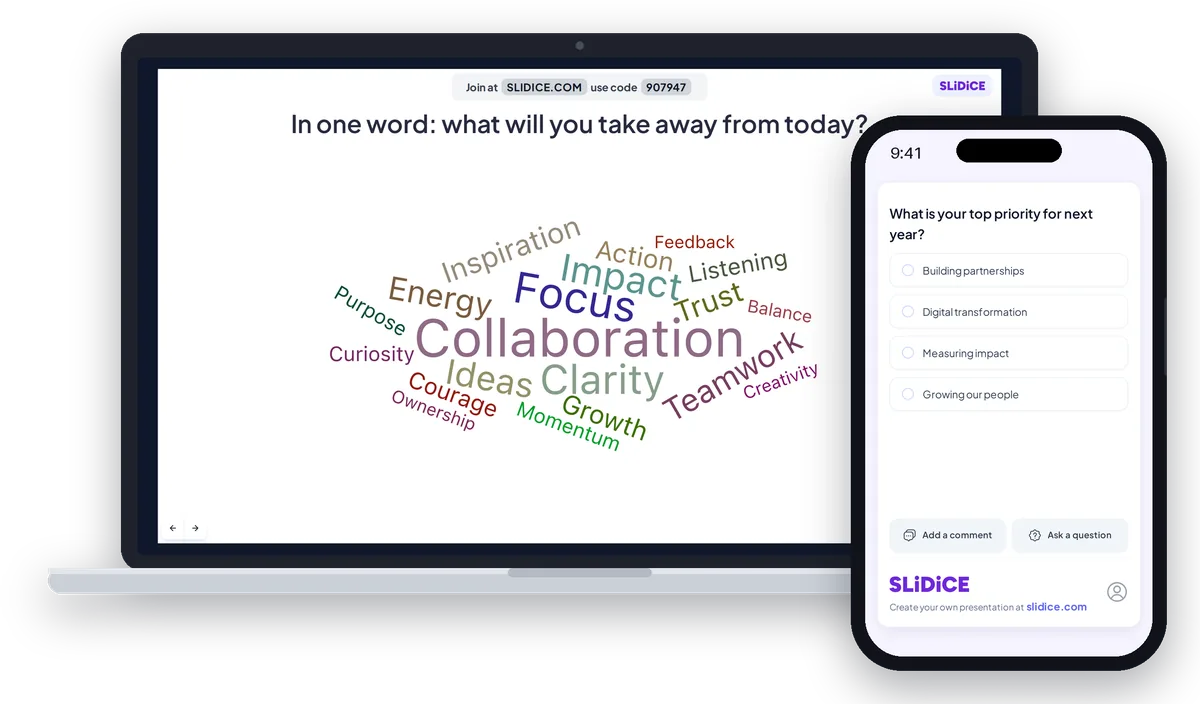
A word cloud shows what students already link to the topic.
-
Explain
Check the sequence
A sorting slide shows whether the class has the steps in the right order.
-
Practise
Compare and decide
A quadrant slide places every answer on two axes at once.
-
Review
Ask what is still unclear
Open answers tell you where to start next lesson.
Slide types that suit this kind of session
- Multiple Choice
- Word Cloud
- Open Ended
- Sorting
- Rating
- Matrix
Slidice for other sessions
Run your next session with Slidice
Start on the free plan: every question type, unlimited presentations and unlimited participants.
No credit card required